.webp)
.webp)
.webp)
.webp)

CapCut China: Free Video Editing for Creators
Overview
CapCut China is a desktop video editing application developed by BYTEDANCE PTE. LTD., designed to empower users with intuitive tools for creating dynamic and engaging video content. Built with a focus on accessibility and creativity, the software enables both beginners and intermediate users to produce polished videos without requiring extensive technical knowledge.
It serves as a powerful tool for social media creators, content producers, and hobbyists aiming to enhance their visual storytelling. The app’s integration with TikTok’s ecosystem offers a seamless workflow for sharing finished projects directly to short-form video platforms, making it ideal for users seeking fast, on-the-go content creation. Its feature set includes basic editing functions such as cutting, cropping, and rotating, alongside advanced options like speed adjustment, voice modulation, and filter application.
The software also provides access to a curated library of trending music and sound effects, enhancing the overall production value. Real-world use cases include vlog editing, promotional clips, social media posts, and short-form video content for platforms like TikTok and Instagram Reels. The developer did not provide additional system requirements beyond the operating systems listed.
Key Features & Capabilities
- Intuitive Editing Interface – The software features a clean, user-friendly layout that simplifies the video editing process. Even users with no prior experience can navigate tools like trimming, splitting, and rearranging clips with minimal learning curve.
- Speed Adjustment Tools – Users can modify playback speed between 0.2x and 4x, enabling cinematic effects such as slow-motion or fast-paced montages without requiring complex techniques.
- Audio Enhancement Features – The voice-changing function allows real-time audio manipulation, adding a playful or dramatic tone to spoken content, ideal for vlogs and entertainment videos.
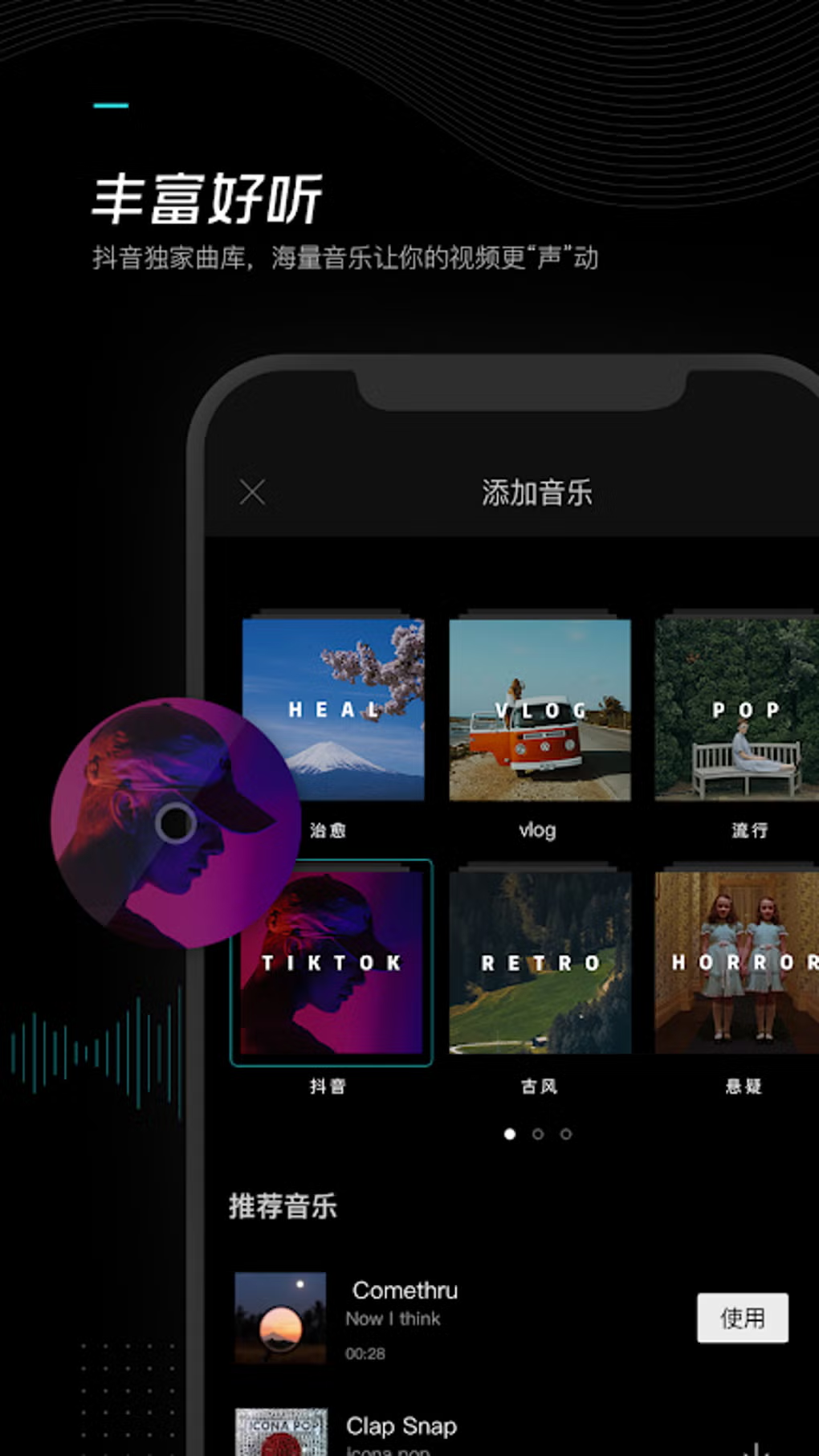
- Extensive Media Library – Access to a large collection of stock music, trending sounds, and sound effects helps elevate video energy and audience engagement.
- Visual Effects & Transitions – A wide range of filters, animated stickers, and transition effects are available to enhance visual appeal and maintain viewer interest.
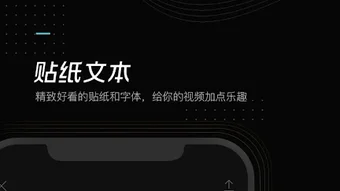
- Font and Text Customization – Multiple font styles and text animation options allow for creative on-screen messaging, perfect for subtitles, titles, and captions.
- Export Quality Settings – Users can choose from various resolution outputs, though the software’s documentation does not specify whether high-quality exports are preserved across all settings.
These features collectively support efficient content creation for social media, educational videos, and personal projects. The ability to apply multiple effects simultaneously, however, may impact final output quality, especially when using high-density animations or excessive overlays.
User Interface, Workflow & Performance
The user interface of CapCut China is structured around a timeline-based editing model, with tools organized into clearly labeled panels for easy access. Navigation is streamlined through drag-and-drop functionality, enabling quick clip placement and adjustment. The workflow prioritizes speed and simplicity, allowing users to complete edits in a single session without switching between multiple applications.
While the developer did not specify resource usage details, general software behavior suggests moderate CPU and RAM consumption during active editing. Performance observations are based on general software behavior patterns. Stability appears consistent under typical usage conditions, though prolonged editing sessions with high-resolution footage may lead to increased system load.
The application does not report any known crashes or freezes in standard operation. Users are advised to maintain consistent clip dimensions and avoid overloading clips with too many effects to preserve output quality. The developer did not provide information on background processes or startup time.
Compatibility & System Requirements
CapCut China is compatible with both Windows and Mac operating systems, supporting desktop environments for users who prefer a larger screen and more precise input. The software has a file size of 150 MB, indicating a lightweight installation that should not significantly impact disk space. The software version is 1.0.0, released on April 15, 2024.
Exact system requirements were not listed, so users should ensure their system meets general desktop application standards. The developer did not specify minimum CPU, RAM, or GPU requirements. Compatibility information is limited to the supported platforms and version number.
Users should verify their system’s ability to handle video processing tasks, particularly when working with high-resolution or multi-layered projects.
Pros and Cons
Pros
- Free to use with no hidden costs
- Intuitive interface suitable for beginners
- Comprehensive editing tools for on-the-go content creation
- Integration with TikTok and other social platforms
- Access to trending music and sound effects
- Supports speed control and voice modulation
- Lightweight installation at 150 MB
Cons
- Final output quality may degrade with complex effects
- Resolution consistency issues reported when mixing clips of different sizes
- Exact system requirements not disclosed
- Performance under heavy workloads not documented
- Advanced features may require learning curve despite overall simplicity
FAQ Section
Is CapCut China available for Windows and Mac?
Yes, CapCut China supports both Windows and Mac operating systems, allowing users on either platform to access its video editing tools.
Is CapCut China safe to download and use?
CapCut China is developed by BYTEDANCE PTE. LTD., a reputable company known for its digital content platforms. The software is free and does not include known malware, but users should always download from official sources to ensure safety.
Does CapCut China require an internet connection?
While some features like music library access and social sharing require an internet connection, core editing functions can be performed offline.
How often does CapCut China receive updates?
Updates are released periodically to improve performance, add new features, and fix bugs. The current version is 1.0.0, with the last release on April 15, 2024.
Can I use CapCut China without a license?
Yes, CapCut China is free to use with no license required. It does not enforce subscription models or paid tiers for basic functionality.
Final Thoughts
CapCut China stands out as a compelling free video editing tool for creators who value speed, simplicity, and integration with popular social platforms. Its intuitive design and rich feature set make it ideal for beginners exploring video editing, while still offering enough depth for more experienced users. Despite minor concerns around output quality when using multiple effects or mixed-resolution clips, the software delivers strong value for its price point.
The ability to adjust playback speed, modify audio, and access trending music libraries enhances creative possibilities. For users focused on social media content, vlogs, or quick edits, CapCut China offers a reliable desktop alternative to mobile-only editors. The lack of detailed system requirements is a minor drawback, but the lightweight footprint helps mitigate hardware concerns.
Overall, it is a well-rounded tool that balances accessibility with functionality.
Download CapCut China now





.png)

